


Gifting Made Simple
Give the Gift of ChoiceClick below to purchase a Bramalea City Centre eGift Card that can be used at participating retailers at Bramalea City Centre.Purchase HereHome
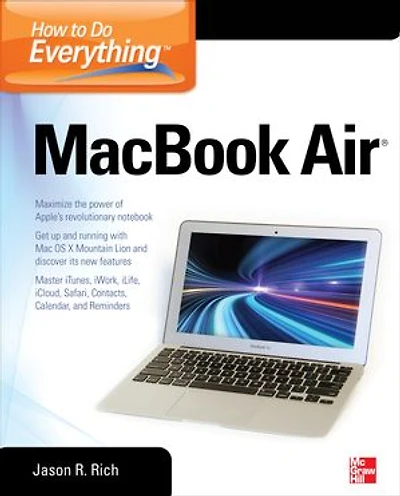
The MacBook Air (With M1 Chip) For Beginners
Coles
Loading Inventory...
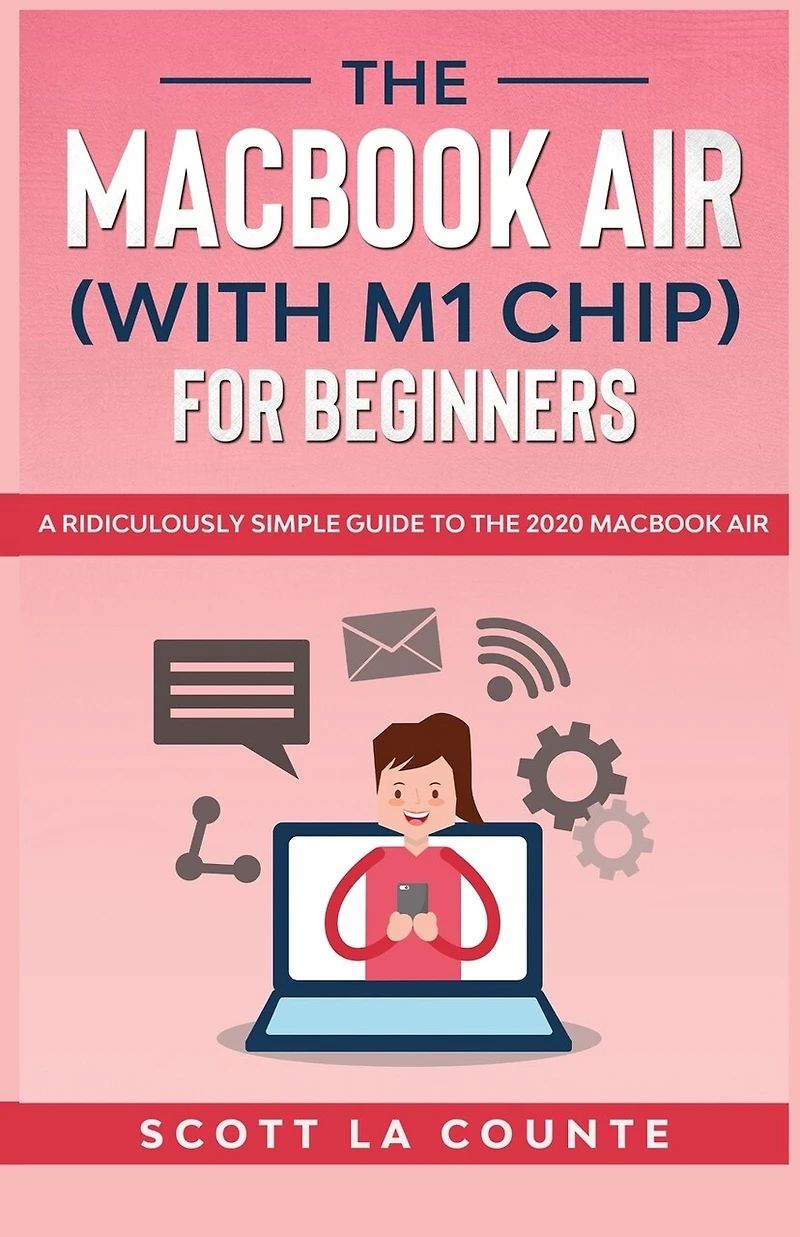
The MacBook Air (With M1 Chip) For Beginners in Brampton, ON
Current price: $29.99
Coles
The MacBook Air (With M1 Chip) For Beginners in Brampton, ON
Current price: $29.99
Loading Inventory...
Size: Paperback
*Product information and pricing may vary - to confirm current pricing, availability, shipping, and return information please contact Coles. In the event of a pricing discrepancy, the retailer's price will apply.
★★★ Learn how to use MacBook Air ★★★
MacBook Air was a revolutionary computer-so thin it was literally pulled from an enveloped when it was first announced years ago.
That was years ago, however; thin, lightweight computers are not exactly revolutionary. In 2020, MacBook Air got important again when Apple announced the M1 chip. Suddenly these thin and light computers were also faster than computers more expensive.
This book is intended for people who want to get started quickly. For that reason, it's not as comprehensive as other guides. It's for new users.
It will also cover how to successfully make the transition from Windows to Mac.
Some of the covered features include:
What's new to macOS Big Sur
How you do all those Windows "things" on a Mac
Apple Services
Using Siri
Setting up Internet and Email
Using Sidecar
Using Control Center
Downloading / Updating apps
Organizing photos
Using Safari
Protecting your privacy
Managing your passwords
Sending, replying, and pinning messages
Multitasking
And much, much more!
Are you ready to start enjoying the new macOS? Then let's get started! Note: This book is not endorsed by Apple, Inc. and should be considered unofficial. It is based off of "MacOS Big Sur: Getting Started With MacOS 11."
★★★ Learn how to use MacBook Air ★★★
MacBook Air was a revolutionary computer-so thin it was literally pulled from an enveloped when it was first announced years ago.
That was years ago, however; thin, lightweight computers are not exactly revolutionary. In 2020, MacBook Air got important again when Apple announced the M1 chip. Suddenly these thin and light computers were also faster than computers more expensive.
This book is intended for people who want to get started quickly. For that reason, it's not as comprehensive as other guides. It's for new users.
It will also cover how to successfully make the transition from Windows to Mac.
Some of the covered features include:
What's new to macOS Big Sur
How you do all those Windows "things" on a Mac
Apple Services
Using Siri
Setting up Internet and Email
Using Sidecar
Using Control Center
Downloading / Updating apps
Organizing photos
Using Safari
Protecting your privacy
Managing your passwords
Sending, replying, and pinning messages
Multitasking
And much, much more!
Are you ready to start enjoying the new macOS? Then let's get started! Note: This book is not endorsed by Apple, Inc. and should be considered unofficial. It is based off of "MacOS Big Sur: Getting Started With MacOS 11."
You May Also Like











Find at Bramalea City Centre in Brampton, ON
Visit at Bramalea City Centre in Brampton, ON