


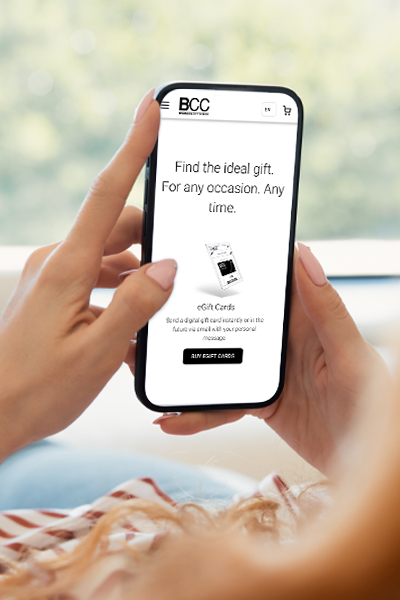
Gifting Made Simple
Give the Gift of ChoiceClick below to purchase a Bramalea City Centre eGift Card that can be used at participating retailers at Bramalea City Centre.Purchase HereHome
Teaching with Zoom 2: An Advanced Users Guide: Teaching with Zoom, #2
Coles
Loading Inventory...

Teaching with Zoom 2: An Advanced Users Guide: Teaching with Zoom, #2 in Brampton, ON
By None
Current price: $6.99
Coles
Teaching with Zoom 2: An Advanced Users Guide: Teaching with Zoom, #2 in Brampton, ON
By None
Current price: $6.99
Loading Inventory...
Size: Kobo eBook
*Product information and pricing may vary - to confirm current pricing, availability, shipping, and return information please contact Coles. In the event of a pricing discrepancy, the retailer's price will apply.
Calling all teachers and trainers! You're familiar with Zoom and its basic functions. But have you wondered if there weren't more you could do? Special tips and tricks to take your classes to the next level? Shortcuts to make life easier?
Good news—there are indeed! Zoom expert José Domingo Cruz shares his advanced knowledge of using Zoom in the classroom to help you make your classes more effective, whether you teach private students, online classes, hybrid classes, or even want to become a better presenter at online conferences.
Filled with screenshots, detailed explanations, and specific examples, this second book in the Teaching With Zoom series discusses best practices, supplementary hardware and software choices, and tips to make your Zoom classroom safer, more productive, and more enjoyable.
Calling all teachers and trainers! You're familiar with Zoom and its basic functions. But have you wondered if there weren't more you could do? Special tips and tricks to take your classes to the next level? Shortcuts to make life easier?
Good news—there are indeed! Zoom expert José Domingo Cruz shares his advanced knowledge of using Zoom in the classroom to help you make your classes more effective, whether you teach private students, online classes, hybrid classes, or even want to become a better presenter at online conferences.
Filled with screenshots, detailed explanations, and specific examples, this second book in the Teaching With Zoom series discusses best practices, supplementary hardware and software choices, and tips to make your Zoom classroom safer, more productive, and more enjoyable.
You May Also Like










More About Coles at Bramalea City Centre
Making Connections. Creating Experiences. We exist to add a little joy to our customers’ lives, each time they interact with us.
Store Info
Find Coles at Bramalea City Centre in Brampton, ON
Visit Coles at Bramalea City Centre in Brampton, ON