



Gifting Made Simple
Give the Gift of ChoiceClick below to purchase a Bramalea City Centre eGift Card that can be used at participating retailers at Bramalea City Centre.Purchase HereHome
Illustrated MicrosoftOffice 365 & Access2016: Comprehensive
Coles
Loading Inventory...
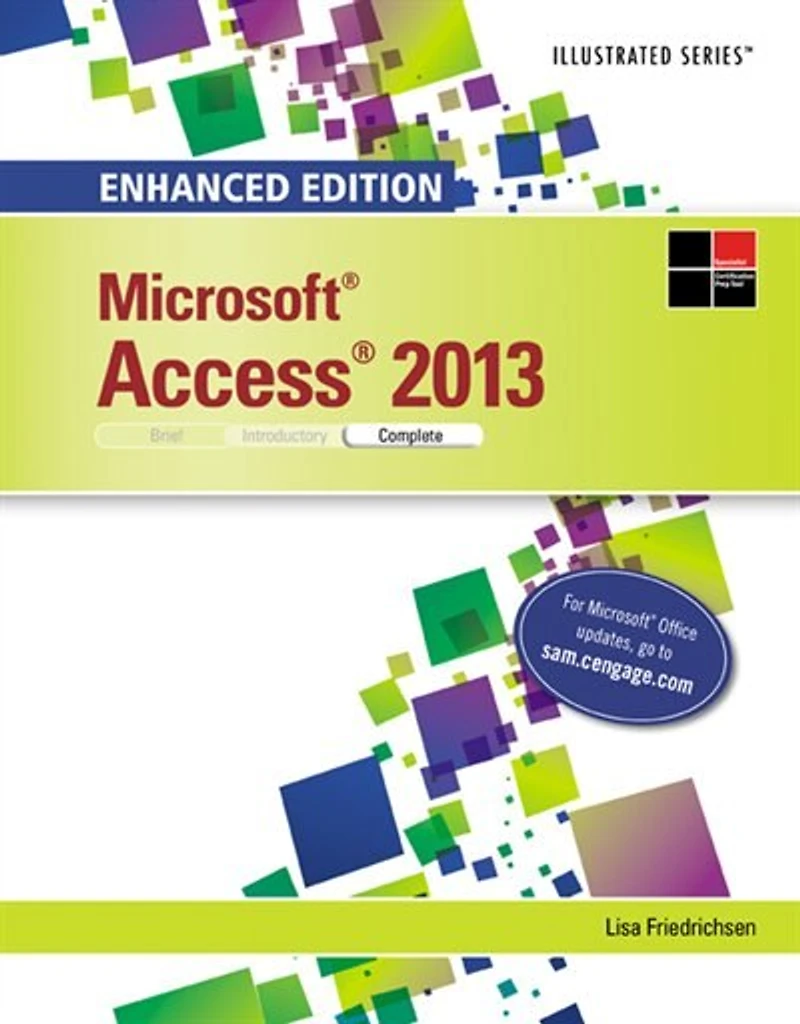
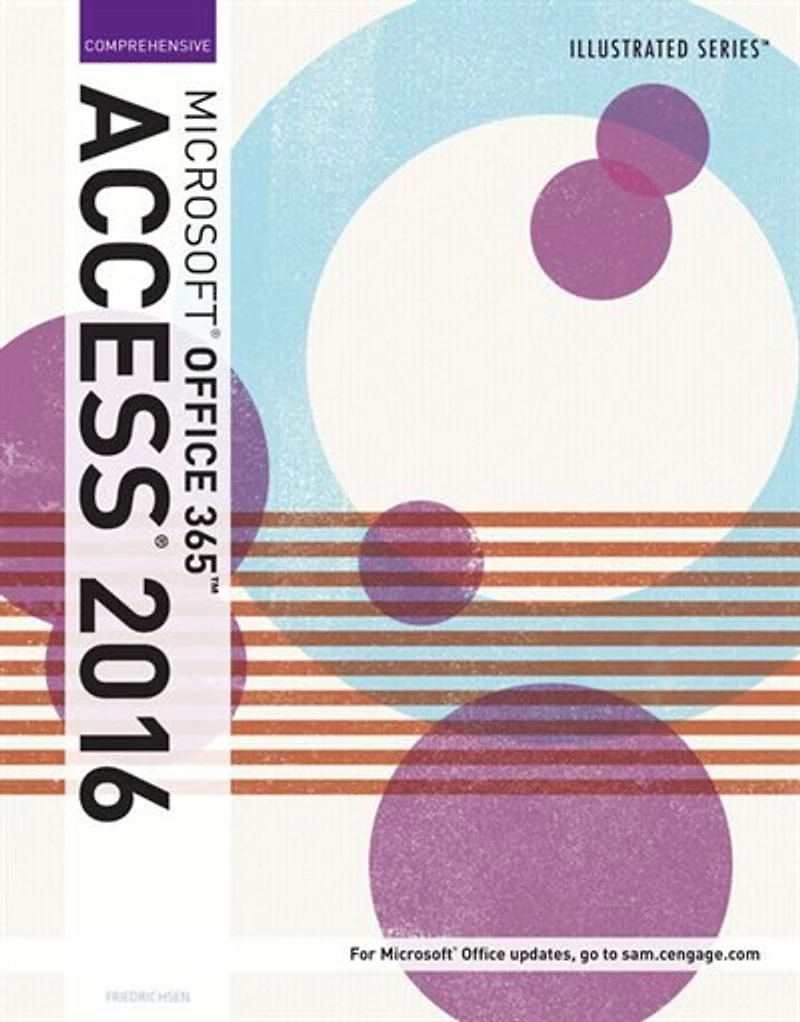
Illustrated MicrosoftOffice 365 & Access2016: Comprehensive in Brampton, ON
Current price: $136.95
Coles
Illustrated MicrosoftOffice 365 & Access2016: Comprehensive in Brampton, ON
Current price: $136.95
Loading Inventory...
Size: Paperback (2015)
*Product information and pricing may vary - to confirm current pricing, availability, shipping, and return information please contact Coles. In the event of a pricing discrepancy, the retailer's price will apply.
Engage both computer rookies and today’s pros as you guide them in thoroughly mastering Microsoft Access 2016 application efficiently with ILLUSTRATED MICROSOFT OFFICE 365 & ACCESS 2016: COMPREHENSIVE. Praised by instructors for its concise, focused approach and user-friendly format, the Illustrated Series incorporates a hallmark two-page layout that allows students to see an entire task in one view. Each presentation is easy to follow with Learning Outcomes that outline skills covered in each lesson. Larger full-color images reflect exactly what students should see on their own computer screens. Each module begins with a brief overview of the lesson’s principles and introduces a case study for further application to ensure your students gain a complete understanding of Microsoft Access 2016. In addition, new Productivity Apps visually introduce Microsoft OneNote, Sway, Office Mix and Edge using hands-on activities.
Engage both computer rookies and today’s pros as you guide them in thoroughly mastering Microsoft Access 2016 application efficiently with ILLUSTRATED MICROSOFT OFFICE 365 & ACCESS 2016: COMPREHENSIVE. Praised by instructors for its concise, focused approach and user-friendly format, the Illustrated Series incorporates a hallmark two-page layout that allows students to see an entire task in one view. Each presentation is easy to follow with Learning Outcomes that outline skills covered in each lesson. Larger full-color images reflect exactly what students should see on their own computer screens. Each module begins with a brief overview of the lesson’s principles and introduces a case study for further application to ensure your students gain a complete understanding of Microsoft Access 2016. In addition, new Productivity Apps visually introduce Microsoft OneNote, Sway, Office Mix and Edge using hands-on activities.
You May Also Like










Find at Bramalea City Centre in Brampton, ON
Visit at Bramalea City Centre in Brampton, ON