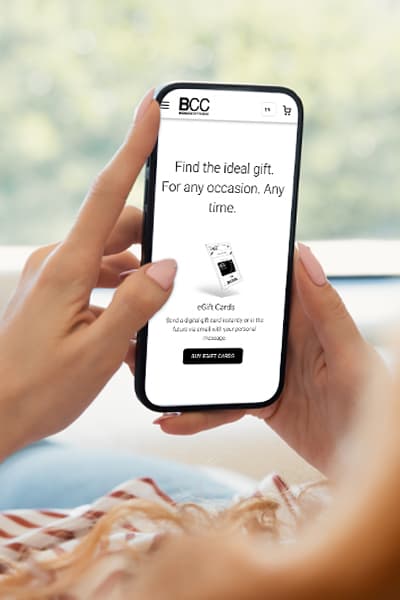
Give the Gift of ChoiceClick below to purchase a Bramalea City Centre eGift Card that can be used at participating retailers at Bramalea City Centre.Purchase Here
*Product information and pricing may vary - to confirm current pricing, availability, shipping, and return information please contact Samsung. In the event of a pricing discrepancy, the retailer's price will apply.
Fine-tune your audio straight from the quick settings panel. Just swipe down from the top of the screen, touch and hold the volume slider or Buds icon and adjust noise control and sound settings. Best of all, your preferred sound settings are now saved for each app. Simply adjust them in the quick settings panel while the app is playing media. Whether you enjoy 360 Audio on YouTube or prefer bass boost equalizer on Spotify, your audio is always tuned just the way you like it.
Fine-tune your audio straight from the quick settings panel. Just swipe down from the top of the screen, touch and hold the volume slider or Buds icon and adjust noise control and sound settings. Best of all, your preferred sound settings are now saved for each app. Simply adjust them in the quick settings panel while the app is playing media. Whether you enjoy 360 Audio on YouTube or prefer bass boost equalizer on Spotify, your audio is always tuned just the way you like it.