



Gifting Made Simple
Give the Gift of ChoiceClick below to purchase a Bramalea City Centre eGift Card that can be used at participating retailers at Bramalea City Centre.Purchase HereHome
Adobe Photoshop Lightroom 2 How-Tos: 100 Essential Techniques
Coles
Loading Inventory...
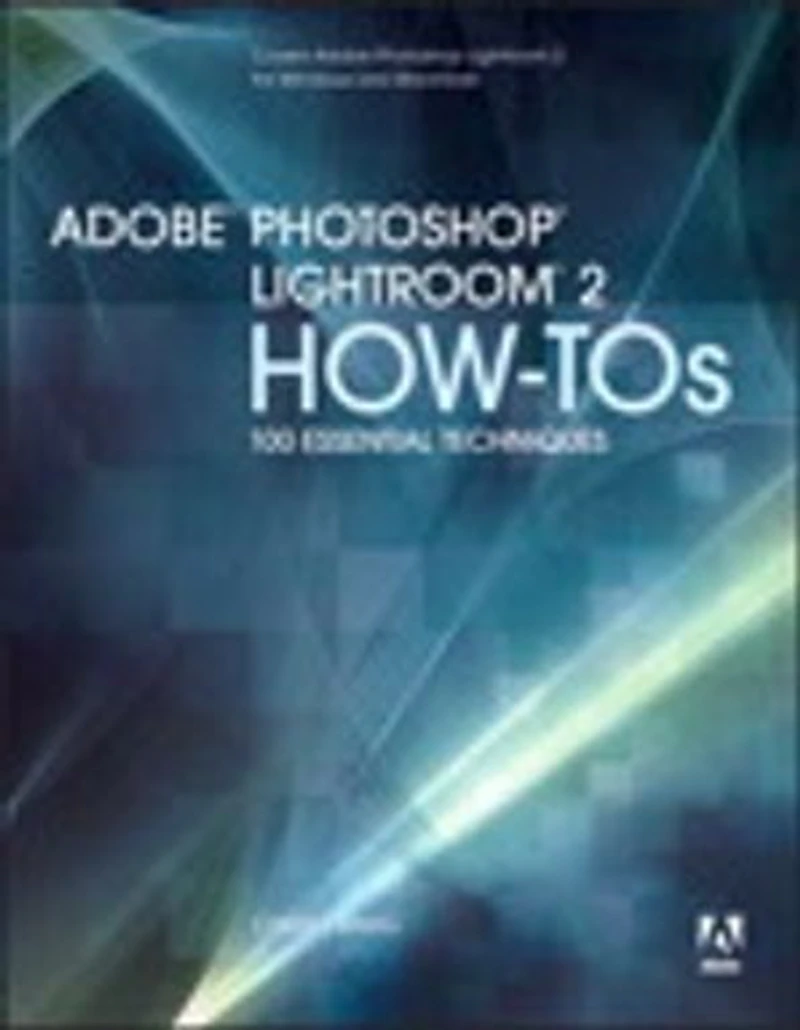
Adobe Photoshop Lightroom 2 How-Tos: 100 Essential Techniques in Brampton, ON
Current price: $21.79
Original price: $27.13
Coles
Adobe Photoshop Lightroom 2 How-Tos: 100 Essential Techniques in Brampton, ON
Current price: $21.79
Original price: $27.13
Loading Inventory...
Size: Kobo eBook
*Product information and pricing may vary - to confirm current pricing, availability, shipping, and return information please contact Coles. In the event of a pricing discrepancy, the retailer's price will apply.
Build your Lightroom expertise, one technique at a time. Why sort through piles of unrelated documentation when you can focus on the essential techniques? In Adobe Photoshop Lightroom 2 How-Tos, author Chris Orwig brings you the best techniques to quickly organize and correct your digital images using this powerful program created specifically for photographers. Complete with illustrations and practical tips, these bite-sized lessons from Chris’s experience as a photographer and instructor provide just the information you need. Here you can explore the program at your own pace, spending less time at your computer and more time behind the lens taking great pictures.
Coverage includes
• Customizing the Interface
• Understanding File Formats
• Finding Images with Text, Refine, and Metadata Filters
• Using Presets in Quick Develop
• Correcting White Balance
• Applying Settings to Other Images
• Changing Hue, Saturation, and Luminance
• Dodging and Burning with the Adjustment Brush
• Customizing Web Galleries
Build your Lightroom expertise, one technique at a time. Why sort through piles of unrelated documentation when you can focus on the essential techniques? In Adobe Photoshop Lightroom 2 How-Tos, author Chris Orwig brings you the best techniques to quickly organize and correct your digital images using this powerful program created specifically for photographers. Complete with illustrations and practical tips, these bite-sized lessons from Chris’s experience as a photographer and instructor provide just the information you need. Here you can explore the program at your own pace, spending less time at your computer and more time behind the lens taking great pictures.
Coverage includes
• Customizing the Interface
• Understanding File Formats
• Finding Images with Text, Refine, and Metadata Filters
• Using Presets in Quick Develop
• Correcting White Balance
• Applying Settings to Other Images
• Changing Hue, Saturation, and Luminance
• Dodging and Burning with the Adjustment Brush
• Customizing Web Galleries
You May Also Like










Find at Bramalea City Centre in Brampton, ON
Visit at Bramalea City Centre in Brampton, ON